Exclusive Games
Graffiti Tags: spray painting
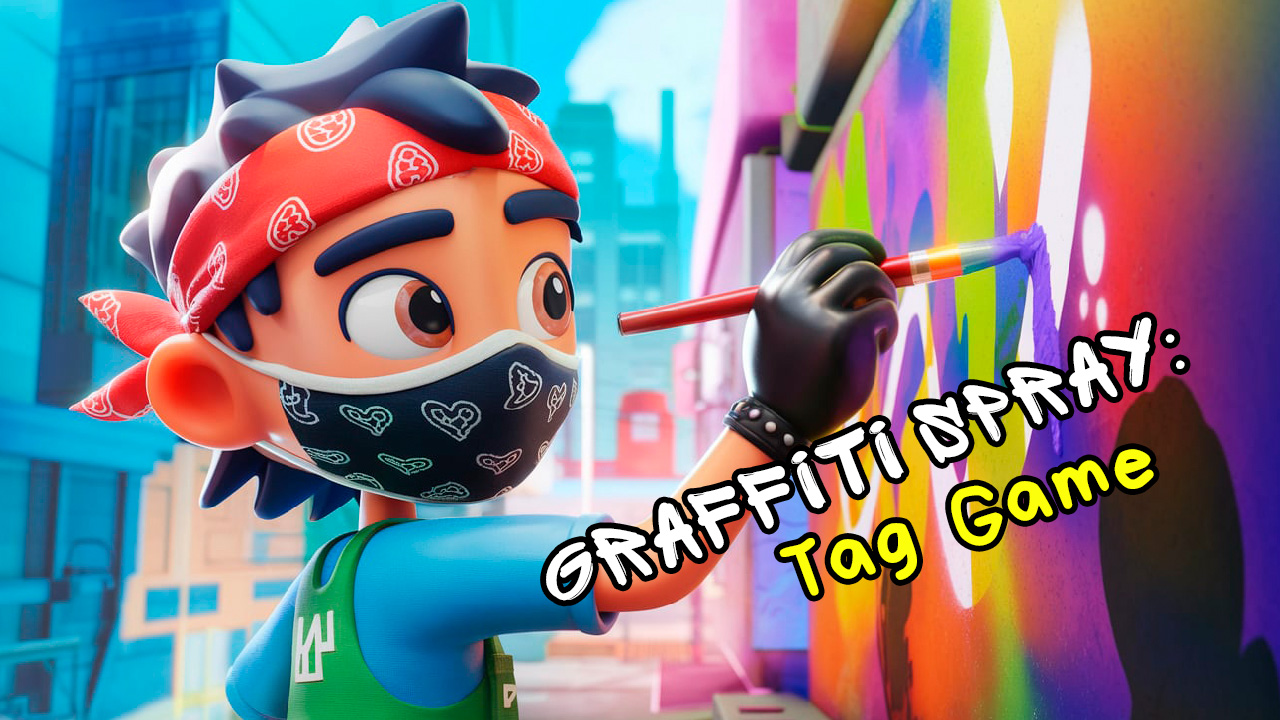
Instructions
The goal of the game is to become the best street artist, creating unique graffiti on various surfaces, avoiding the police and developing your skills to conquer new cities. Controls on a mobile device: touch / swipe. Controls on a desktop: left mouse button.
AgeGroup
Gender
Description
Become a graffiti master in our simulator! Realistic physics, a wide range of colors and surfaces.Collection Snapshot
Graffiti Tags: spray painting sits in Mokiru's Casual collection, which currently includes 2247 titles. Mirra Games currently appears on 69 Mokiru pages.
What You Will Practice
- Work through clear themes: These sessions feel strongest when you make one clean styling or planning choice at a time instead of rushing everything at once.
- Plan one layer ahead: A small decision now often affects the whole round later, so forward planning pays off quickly.
- Read the layout: The native play area is 800x600, so it tends to feel more comfortable on wider screens.
Why play
Become a graffiti master in our simulator! It combines 3d and coloring elements with quick sessions, making it easy to start and satisfying to replay.
Who is this for
Best for players in Kids and Teens, male audiences, and people who enjoy casual games. If you like short rounds, clear progression, and improving your strategy each run, this one is a good fit.
Tips
- Check the controls first: The goal of the game is to become the best street artist, creating unique graffiti on various surfaces, avoiding the pol...
- Start with one safe objective in your first round to learn pacing before taking bigger risks.
- Watch for repeat patterns in enemy moves, puzzle layouts, or timers to improve consistency.
- Replay one short run after each mistake and adjust a single habit at a time.
Keep Exploring
Common mechanics in this lane: mobile | arcade | io
Adjacent genres: Puzzle | Simulation
From the same developer: Super Rock Climber | Command Strike FPS | Lumber Factory Simulator
More like this
- Super Rock Climber: Shares casual gameplay and singleplayer signals.
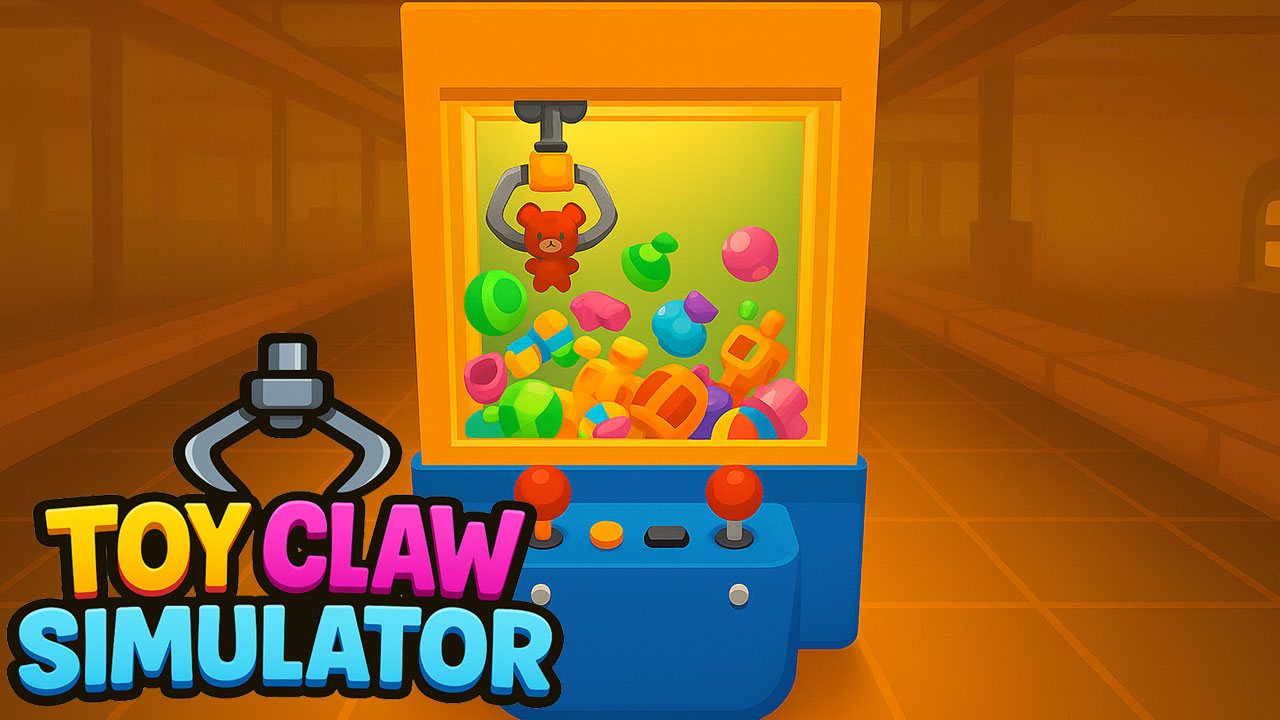
- Toy Claw Simulator: Shares casual gameplay and 3d signals.
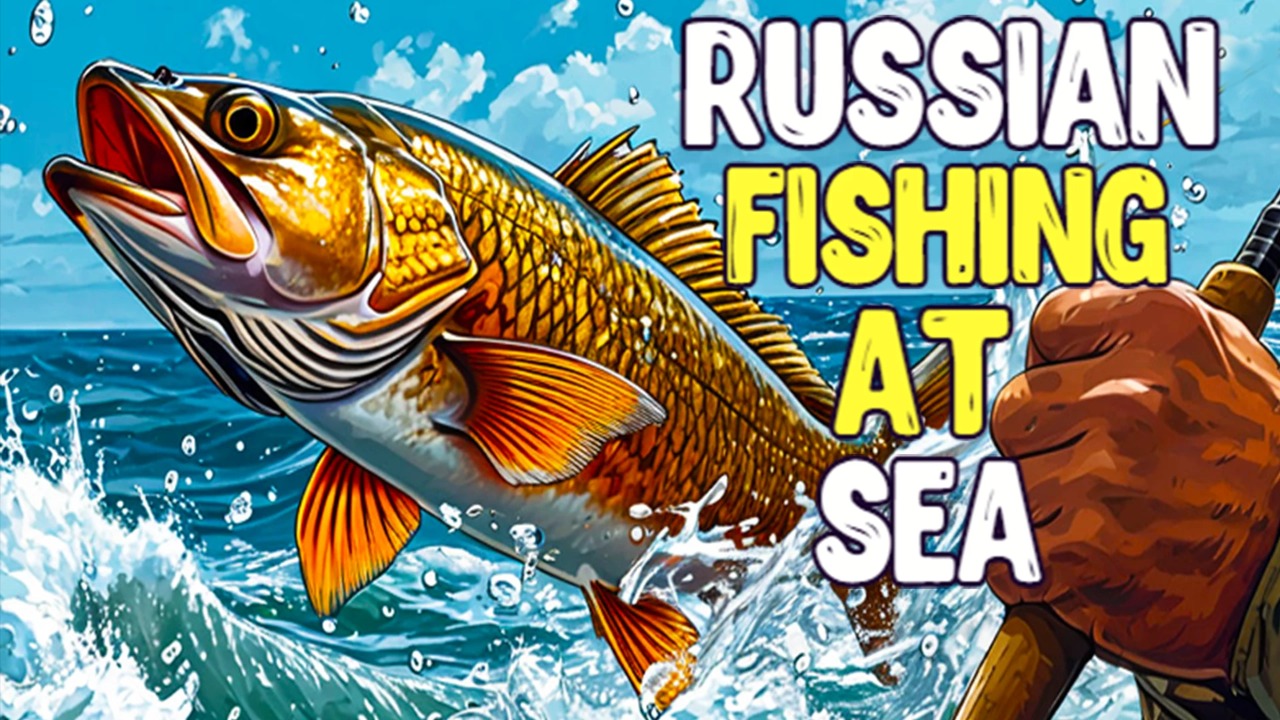
- Russian Fishing at Sea: Shares casual gameplay and 3d signals.
- Police Station: Shares casual gameplay and 3d signals.
Genres
FAQ
How do I play Graffiti Tags: spray painting?
Open the game and press PLAY. Most casual games start instantly in your browser with no installation.
What makes Graffiti Tags: spray painting stand out on Mokiru?
It sits inside Mokiru's Casual collection with 2247 titles. Mirra Games currently has 69 pages on Mokiru.
Where should I go after Graffiti Tags: spray painting?
Start with Casual, then branch into singleplayer | 3d for nearby mechanics.